
IBM Financial Transaction Manager 4.0.3.0 Interim Fix 6 Upgrade and Rollback Guide

This document describes how to upgrade the FTM application from 4.0.3.0 interim fix 3.1 to 4.0.3.0 interim fix 6, and how to roll back the FTM application from 4.0.3.0 interim fix 6 to 4.0.3.0 interim fix 3.1.
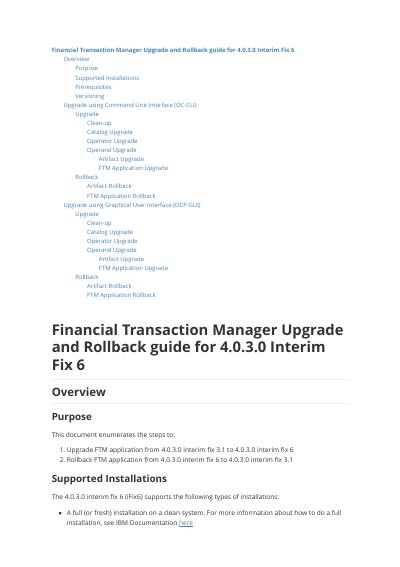

IBM Financial Transaction Manager 4.0.3.0 Interim Fix 6 Upgrade and Rollback Guide - cover page
Brand
IBM
Category
Financial software
Document type
User Manual
Language
English
Pages
18
File format
PDF
File size
2.4 MB
Published
29 November, 2023
Updated
29 November, 2023
MD5 checksum
8E086933AD66B153AEF28D33C9899034

About this manual

This document explains how to upgrade IBM Financial Transaction Manager (FTM) from interim fix 3.1 to interim fix 6 and how to roll back to the earlier fix level.

It covers command-line and OpenShift console procedures for catalog, operator, operand, artifact, and application changes, and requires an OpenShift cluster at version 4.6 or higher.

What's inside

  • Overview
  • Supported Installations
  • Prerequisites
  • Upgrade using Command Line Interface (OC-CLI)
  • Catalog Upgrade
  • Operator Upgrade
  • FTM Application Upgrade
  • Rollback FTM Application
  • Upgrade using Graphical User Interface (OCP-GUI)

Specifications

Minimum OpenShift version4.6 or higher
FTM product version4.0.3.0 Interim Fix 6

Frequently asked questions

What OpenShift version is required?

The cluster must run OCP version 4.6 or higher.

How is the FTM application upgraded?

It can be upgraded using the OpenShift command-line interface or the graphical user interface.

Download PDF (2.4 MB)

More IBM Manuals


View all IBM manuals →