
IBM WebGUI 8.1.0.19 Installation Guide

WebGUI 8.1.0.19 Installation Guide.
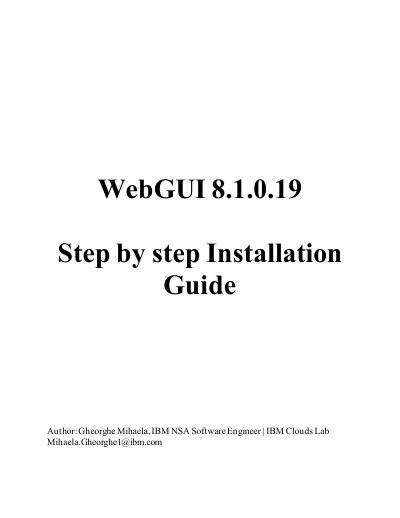

IBM WebGUI 8.1.0.19 Installation Guide - cover page
Brand
IBM
Category
Other software
Document type
Installation Guide
Language
English
Pages
24
File format
PDF
File size
2.3 MB
Published
29 November, 2023
Updated
29 November, 2023
MD5 checksum
DA41AC29A989D1BD60B062BC44CA2E62

About this manual

This document is a step-by-step installation guide for IBM WebGUI 8.1.0.19. It covers installing Installation Manager 1.8.9, WebSphere Application Server 8.5.5.17, Jazz for Service Management 1.1.3.7/DASH 3.1.3.7, and Java SDK 8.0.6.0, then installing WebGUI in GUI or silent mode.

It also describes configuring an Omnibus Object Server as a user repository and data source for WebGUI, including post-installation role assignment and data source creation.

What's inside

  • Installation Manager 1.8.9
  • Install WAS 8.5.5.17, JazzSM 1.1.3.7/DASH 3.1.3.7 and Java SDK 8.0.6.0
  • Prerequisites to download from Passport advantage and Fix Central
  • GUI Mode installation
  • Silent Mode installation
  • WebGUI 8.1.0.19
  • Configure Omnibus Object Server as user repository and data source for WebGUI

Specifications

WebGUI version8.1.0.19

Frequently asked questions

What is the default installation path for Installation Manager?

The default install path is /opt/IBM/InstallationManager/eclipse.

How is Installation Manager installed in console mode as root?

Run ./installc -acceptLicense.

What command adds an Omnibus object server as a repository?

Use the confvmm4ncos.sh script with the object server details.

Download PDF (2.3 MB)

More IBM Manuals


View all IBM manuals →