
IBM Security Privileged Identity Manager Virtual Appliance is a network appliance-based identity management solution that provides privileged identity management and session recording.
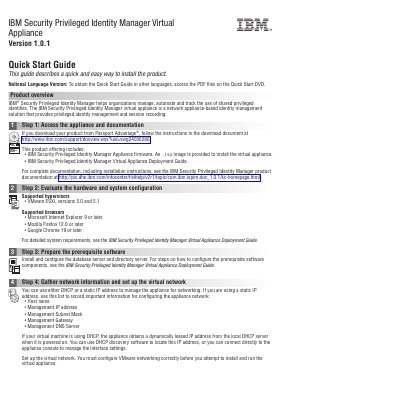
This guide describes a quick and easy way to install the IBM Security Privileged Identity Manager Virtual Appliance Version 1.0.1. It covers accessing the appliance and documentation, evaluating hardware and system configuration, preparing prerequisite software, gathering network information, installing the appliance firmware, running the Appliance Setup wizard, configuring the appliance, and completing administrator tasks.
The IBM Security Privileged Identity Manager virtual appliance is a network appliance-based identity management solution that provides privileged identity management and session recording. Supported hypervisors include VMware ESXi versions 5.0 and 5.1, and supported browsers include Microsoft Internet Explorer 9 or later, Mozilla Firefox 12.0 or later, and Google Chrome 19 or later.
| Product version | 1.0.1 |
|---|---|
| Supported hypervisor | VMware ESXi 5.0 and 5.1 |
| Supported browser | Microsoft Internet Explorer 9 or later |
| Supported browser | Mozilla Firefox 12.0 or later |
| Supported browser | Google Chrome 19 or later |
The default password is admin.
VMware ESXi versions 5.0 and 5.1 are supported.
It provides privileged identity management and session recording.
Access the PDF files on the Quick Start DVD.