
Force10 Networks S25P Switch Layer 2 Setup and Buffer Tuning Guide

This document describes basic Layer 2 setup and buffer tuning of the S-Series S25P switch for storage environments.
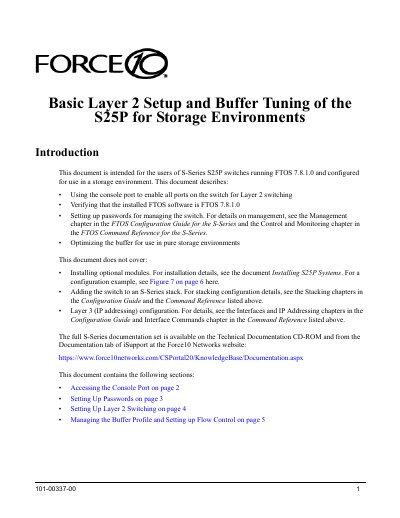

Force10 Networks S25P Switch Layer 2 Setup and Buffer Tuning Guide - cover page
Brand
Force10 Networks
Category
Other Electronics
Document type
User Manual
Language
English
Pages
8
File format
PDF
File size
250 KB
Published
26 November, 2023
Updated
26 November, 2023
MD5 checksum
3C3F3F295EA99C1DA079FF068A30A658

About this manual

This document provides instructions for configuring Force10 Networks S-Series S25P switches running FTOS 7.8.1.0 specifically for storage environments. It details how to enable Layer 2 switching on all ports, set up management passwords, and verify the software version and model type.

What's inside

  • Accessing the Console Port
  • Verifying the Software Release
  • Setting Up Passwords
  • Setting Up Layer 2 Switching
  • Managing the Buffer Profile
  • Setting up Flow Control

Specifications

Software Version7.8.1.0
System ModelS25P
Maximum MTU for Jumbo Frames9252

Frequently asked questions

What command enables Layer 2 switching on selected ports?

Use the command 'switchport' in INTERFACE RANGE mode to enable the selected ports for Layer 2 switching.

How do I optimize the switch memory buffers for dedicated storage environments?

Enter the command 'buffer-profile global 1Q' in CONFIGURATION mode to optimize buffers for high-performance storage environments.

Download PDF (250 KB)