
Key facts
- Manuals
- 1
- Languages
- EN
- Last added
- 2023-11-26
Featured Force10 Networks manuals
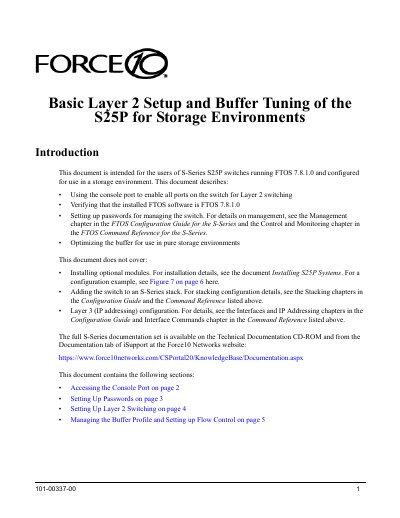
Force10 Networks S25P Switch Layer 2 Setup and Buffer Tuning Guide
This document provides instructions for configuring Force10 Networks S-Series S25P switches running FTOS 7.8.1.0 specifically for storage environments. It details how to enable Layer 2 switching on all ports, set up management passwords, and verify the software version and model type.
Covers: Accessing the Console Port · Verifying the Software Release · Setting Up Passwords · Setting Up Layer 2 Switching · Managing the Buffer Profile · Setting up Flow Control
Latest Force10 Networks manuals
Force10 Networks S25P Switch Layer 2 Setup and Buffer Tuning Guide
User Manual 8 pages · 250 KB · ENThis guide covers Layer 2 switching setup, password configuration, and buffer optimization for Force10 Networks S25P switches running FTOS 7.8.1.0 in…
Which document do I need?
User Manual
Day-to-day operation, settings and troubleshooting. Start here if the product is already set up.
Questions answered in Force10 Networks manuals
What command enables Layer 2 switching on selected ports?
Use the command 'switchport' in INTERFACE RANGE mode to enable the selected ports for Layer 2 switching.
From: Force10 Networks S25P Switch Layer 2 Setup and Buffer Tuning Guide
How do I optimize the switch memory buffers for dedicated storage environments?
Enter the command 'buffer-profile global 1Q' in CONFIGURATION mode to optimize buffers for high-performance storage environments.
From: Force10 Networks S25P Switch Layer 2 Setup and Buffer Tuning Guide