
The Dell™ Inspiron™ 620 Service Manual provides information on how to disassemble and replace computer components. It also provides information on how to troubleshoot and repair the computer.
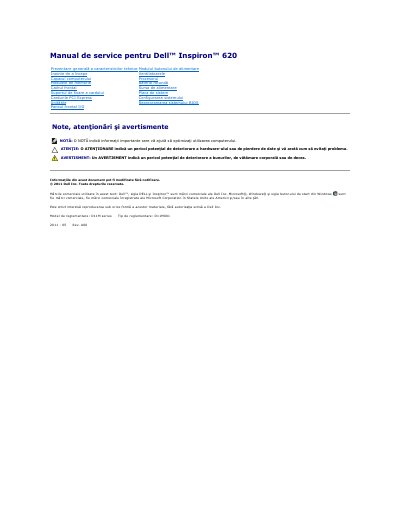
The Dell Inspiron 620 service manual gives removal and installation procedures for the computer’s components. It states that, unless otherwise specified, each procedure assumes the steps in “Before You Begin” and the safety instructions have been followed, and that a removed part can be reinstalled by reversing the removal procedure.
The manual covers the computer cover, memory modules, front bezel, card retention bracket, PCI Express cards, drives, front I/O panel, power button module, fans, processor, coin-cell battery, power supply, and system board, plus system setup and BIOS flashing. For technical specifications it refers readers to the Setup Guide at support.dell.com/manuals.
| Regulatory model | D11M series |
|---|---|
| Regulatory type | D11M001 |
Press and hold the power button to ground the system board.
The manual directs readers to the Setup Guide at support.dell.com/manuals.
The manual says the BIOS may need flashing when an update is available or when the system board is replaced.