
Dell Display Manager is a Windows application used to manage a single or group of monitors. It allows manual adjustment of the displayed image, assignment of automatic settings, power management, window organization, image rotation and other features on select Dell models.
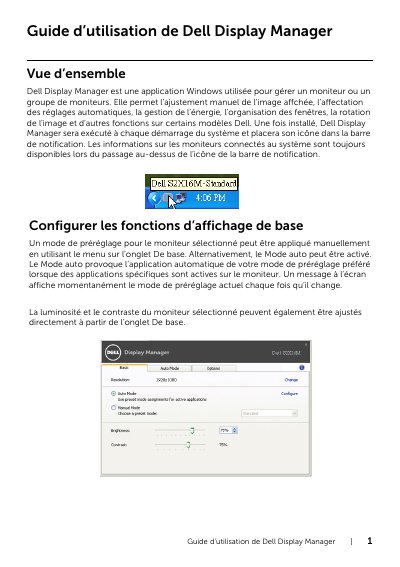
Dell Display Manager is a Windows application for managing monitor settings, including brightness, contrast, and display modes. It supports automatic mode assignment based on active applications and energy-saving features like PowerNap. The app runs at startup and displays a notification icon for quick access to monitor information.
Users can manually adjust display settings or use auto-mode to apply preferred presets when specific applications are active. Energy-saving options allow automatic brightness reduction or monitor standby during idle periods, helping reduce power consumption. This manual is written in French.
Dell Display Manager is a Windows application used to manage a monitor or a group of monitors; it allows manual adjustment of the displayed image, automatic setting assignment, power management, window organization, image rotation, and other functions on some Dell models.
You add a new application by dragging it from the desktop, the Windows Start menu, or elsewhere onto the current assignment list.
Dell Display Manager automatically switches to the corresponding preset mode each time the associated application is activated.
On supported Dell models, the monitor brightness can automatically be set to the minimum level, or the monitor can be put to sleep to save additional energy.