
Dell Display Manager is a Microsoft Windows application used to manage a monitor or a group of monitors.
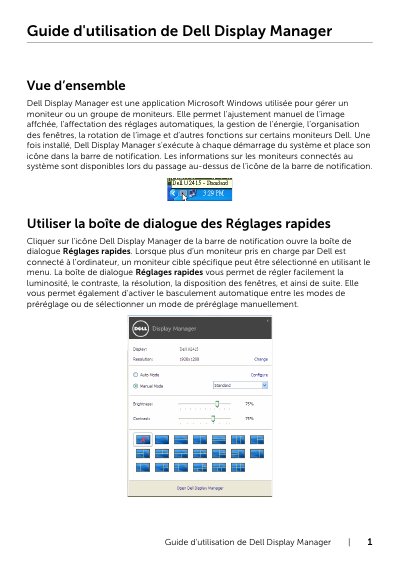
Dell Display Manager is a Windows application for managing monitor settings, including brightness, contrast, resolution, and window arrangement. It supports automatic mode based on active applications and energy-saving features. The guide explains how to access quick settings, configure presets, and organize windows.
The app runs automatically at startup and displays an icon in the system tray. Users can adjust display settings manually or use predefined modes. It also allows assigning specific display presets to applications and managing energy-saving options like PowerNap. This manual is written in French.
It is a Microsoft Windows application used to manage a monitor or a group of monitors.
Use the menu to select a specific target monitor.
Dell Display Manager automatically switches to the corresponding preset mode.
You can organize open windows into one of the predefined layouts by dragging them into zones.