
The Dell Inspiron 15 3000 Series laptop is a budget-friendly laptop that comes with an Intel Core i3 processor, 4GB of RAM, and a 500GB hard drive. It also features a 15.6-inch display and integrated graphics.
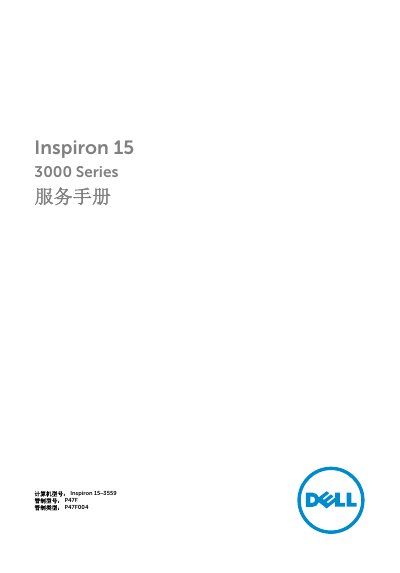
This is the Chinese service manual (Rev. A00, 2015–11) for the Dell Inspiron 15 3000 Series. It names the computer model as Inspiron 15-3559, regulatory model P47F and regulatory type P47F004. It is written for technicians who take the computer apart and reassemble it.
The manual starts with instructions and safety notes for working inside the computer and lists the recommended tools (a Torx screwdriver and a plastic scribe). It then gives removal and replacement procedures for the battery, base cover, hard drive, memory modules, wireless card, keyboard, palm rest, touchpad, power-button board, speakers, I/O board, system board, coin-cell battery, heatsink, fan, display assembly, power-adapter port, display bezel, display panel, camera and display hinges. The final sections explain how to flash the BIOS and how to get help and contact Dell. A note states that images in the document may differ from your computer depending on the configuration ordered. This manual is written in Chinese.
| Computer model | Inspiron 15-3559 |
|---|---|
| Regulatory model | P47F |
| Regulatory type | P47F004 |
It covers the Inspiron 15 3000 Series, computer model Inspiron 15-3559 (regulatory model P47F, regulatory type P47F004).
The manual states that a Torx screwdriver and a plastic scribe may be required to perform the steps.
Go to www.dell.com/support, click product support, enter the computer's Service Tag and submit, then download the latest BIOS file under Drivers and Downloads and run it.
The manual says you can find contact information on your purchase invoice, packing slip, bill or Dell product catalog.