
This document provides instructions on how to use a Dell computer.
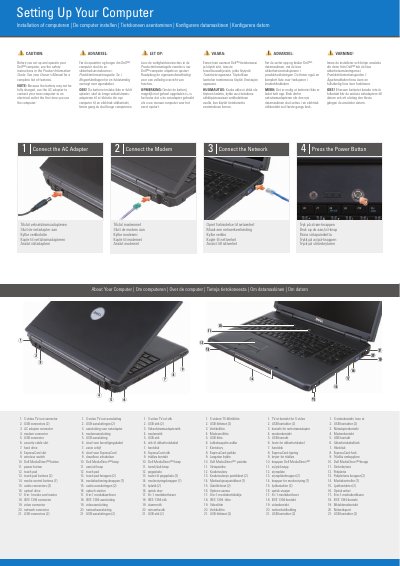
This document provides basic instructions for setting up a Dell Vostro computer. It guides the user through connecting the AC adapter, modem, and network, and powering on the device for the first time.
The guide includes a diagram of the computer's physical layout, identifying various ports and buttons such as USB connectors, the ExpressCard slot, and the power button.
| Media Card Reader | 8-in-1 |
|---|
Use the AC adapter to connect the computer to an electrical outlet because the battery may not be fully charged.
Use the AC adapter to connect the computer to an electrical outlet because the battery may not be fully charged.
You should review the safety instructions located in the Product Information Guide.