
Dell Remote Access Controller 5 User's Guide

Dell™ Remote Access Controller 5 User’s Guide Firmware Version 1.50
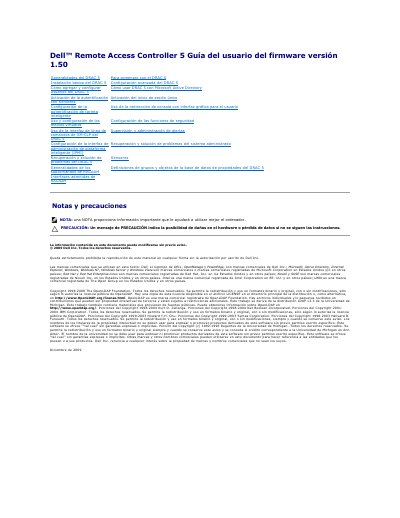

Dell Remote Access Controller 5 User's Guide - cover page
Brand
DELL
Category
Other
Document type
User Manual
Language
Spanish
Pages
218
File format
PDF
File size
1.7 MB
Published
25 November, 2023
Updated
25 November, 2023
MD5 checksum
5222DBC4137FB6B787EEEDC712B4EC21

About this manual

The Dell Remote Access Controller 5 (DRAC 5) User's Guide provides detailed instructions for managing and configuring the DRAC 5 firmware version 1.50. It covers essential setup tasks, security configurations, and the use of various management interfaces.

The document includes guidance on basic and advanced installation, user management, integration with Microsoft Active Directory, and the use of the RACADM command-line interface for system administration and troubleshooting. This manual is written in Spanish.

What's inside

  • Generalidades del DRAC 5
  • Instalación básica del DRAC 5
  • Configuración avanzada del DRAC 5
  • Cómo agregar y configurar usuarios del DRAC 5
  • Cómo usar DRAC 5 con Microsoft Active Directory
  • Uso de la redirección de consola con interfaz gráfica para el usuario
  • Uso y configuración de los medios virtuales
  • Uso de la interfaz de línea de comandos de SM -CLP del DRAC 5
  • Supervisión y administración de alertas
  • Configuración de la interfaz de administración de plataforma inteligente (IPMI)

Specifications

Firmware Version1.50

Frequently asked questions

What does the racadm help command do?

The help subcommand lists all available subcommands used with racadm along with a one-line description.

How can I configure DRAC 5 using a file?

You can use the command 'racadm config -f ' to read a configuration file and apply the settings to the DRAC 5.

Download PDF (1.7 MB)

More DELL Manuals


View all DELL manuals →