
This user guide describes how to use the Soundcraft Notepad 5, 8FX, and 12FX mixers.
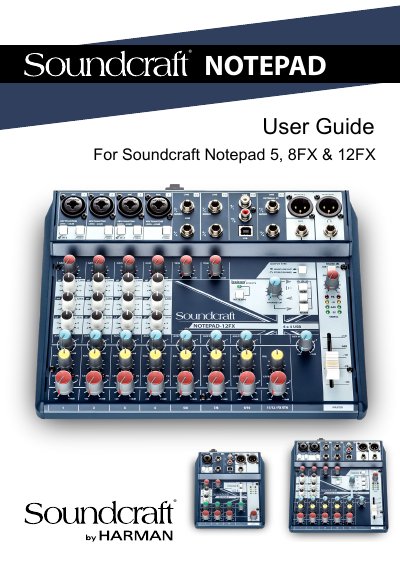
The Soundcraft Notepad Series combines an analogue control surface with Soundcraft mic preamps, British EQ, and Lexicon effects in a compact, professionally specified mixer. The Notepad 5, 8FX, and 12FX models include Hi-Z instrument inputs, USB digital audio, and robust metal construction.
This user guide covers safety, warranty, specifications, and the parts of the console. It also explains inputs and outputs, console routing, channel controls, solo and monitoring, USB operation, Lexicon FX processing, and includes a troubleshooting appendix.
Try reorienting or relocating the receiving antenna, increasing separation between the equipment and receiver, or connecting the equipment to a different circuit outlet.
Yes, it provides USB digital I/O for direct connection to Digital Audio Workstations and digital systems.
The mixer includes studio-grade Reverb, Chorus and Delay with tap tempo.
All servicing should be referred to a qualified service engineer through the appropriate Soundcraft dealer.