
The Dell EMC PowerEdge T40 Getting Started Guide describes the features and characteristics of the product.
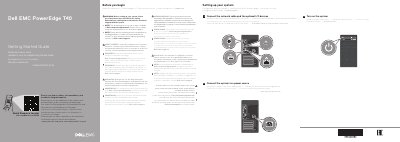
This document is the Getting Started Guide for the Dell PowerEdge T40 server. It provides multilingual instructions for initial setup, including connecting network cables, optional I/O devices, and connecting the system to a power source. It also details the steps to turn on the system.
| Power supply wattage (100-240V) | 300 W |
|---|---|
| Power supply frequency | 50/60 Hz |
| System battery type | 3 V CR2032 lithium coin cell |
| Maximum ambient temperature | 35°C (95°F) |
Follow the safety instructions included in the Safety, Environmental, and Regulatory Information document shipped with the system.
Ensure that the operating system is installed before installing hardware or software not purchased with the system.