
The Dell Latitude 14 5000 Series Notebook Quick Start Guide.
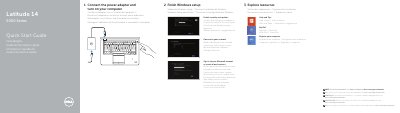
The Dell Latitude 14 5000 Series Quick Start Guide provides basic instructions for setting up the notebook, including connecting power, completing Windows setup, and accessing support resources.
It includes a detailed map of the device's hardware features, such as USB 3.0 connectors, HDMI and VGA ports, and various optional readers.
More information is available in the Owner's Manual at dell.com/support/manuals.
Connect the power adapter and turn on the computer.
Yes, an HDMI connector is listed among the features.
Yes, the fingerprint reader is listed as optional.