
Dell™ Inspiron™ 1318 Service Manual Model PP25L Notebook's service manual
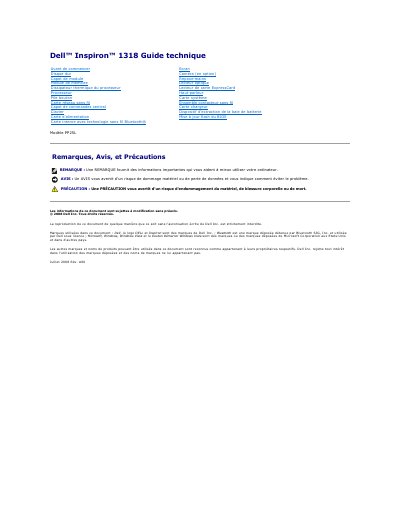
This Dell Inspiron 1318 technical guide (model PP25L) is written in French and provides removal and installation procedures for laptop components such as the module cover, battery bay release device, hard drive, memory module, processor, wireless network card, keyboard, optical drive, ExpressCard reader, and system board.
It also lists recommended tools, shutdown and electrostatic-discharge precautions, and procedures for flashing the BIOS from a CD or from the hard drive.
A small flat-blade screwdriver is one of the recommended tools.
Save and close all open files and programs, then use the Windows Vista Start menu to shut down the computer.
Ensure the AC adapter is connected and the main battery is installed, insert the BIOS update CD, restart the computer, and follow the on-screen instructions.
The main battery must be removed before troubleshooting the computer.