
The Dell Latitude 7389 Quick Start Guide describes how to connect the power adapter, finish Windows 10 setup, connect to a network, and sign in to your Microsoft account or create a local account.
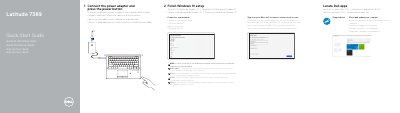
The Dell Latitude 7389 Quick Start Guide provides essential instructions for setting up the device, including connecting power, completing Windows 10 setup, and updating the computer via SupportAssist.
It also includes a detailed map of the laptop's hardware features, such as USB 3.1 Gen 1 ports, HDMI, DisplayPort over USB Type-C, and optional components like the IR camera and fingerprint reader.
| USB Port | USB 3.1 Gen 1 with PowerShare |
|---|
Connect the power adapter and press the power button.
Enter the password for the wireless network access when prompted.