
Dell™ Inspiron™ N5010/M5010 Notebook Maintenance Guide
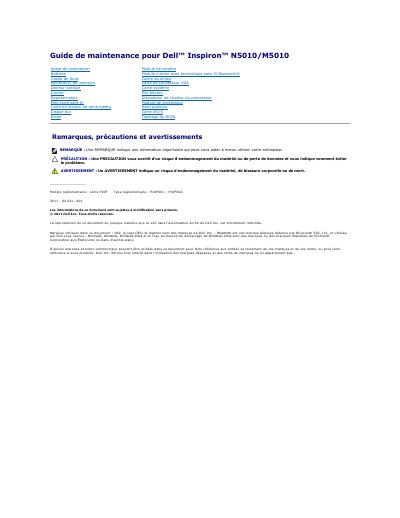
This is a French-language maintenance guide for the Dell Inspiron N5010/M5010 notebook. It gives removal and reinstallation procedures for notebook components, along with safety precautions, recommended tools, power-off steps, and BIOS flashing instructions.
The guide lists components such as the battery, bottom cover, memory modules, optical drive, keyboard, palm rest, wireless mini-card, media card reader board, hard drive, display, camera module, Bluetooth module, middle cover, VGA connector card, system board, coin-cell battery, processor heat sink, processor module, speakers, and I/O card. This manual is written in French.
| Regulatory model | P10F series |
|---|---|
| Regulatory type | P10F001; P10F002 |
The guide recommends a small flat-blade screwdriver, a Phillips screwdriver, a plastic scribe, and the BIOS update program from support.dell.com.
Save and close all open files and programs, shut down the operating system, make sure the computer is off, and hold the power button if it does not turn off automatically.
Only a certified service technician should perform repairs on the computer.
The BIOS update can be downloaded from support.dell.com/support/downloads.