
Dell Networking W-AP110 Series Access Point Installation Guide
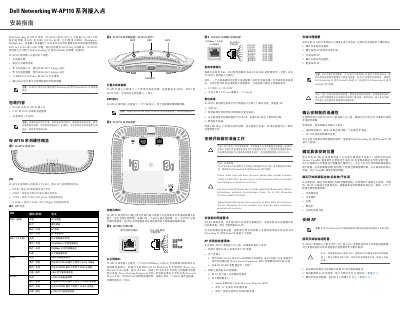
This Dell Networking installation guide covers the W-AP110 Series access points (W-AP114 and W-AP115), which support IEEE 802.11n with MIMO on 2.4 GHz and 5 GHz and operate only with Dell Networking W Series Mobility Controllers using ArubaOS 6.3.1.0 or higher.
It describes package contents, the hardware overview and four status LEDs, and the Ethernet, USB, console, and DC power ports. It also lists pre-installation network requirements and a checklist, then explains how to mount the access point using ceiling rail adapters. This manual is written in Chinese.
| Wireless standard | IEEE 802.11n, 2.4 GHz and 5 GHz |
|---|---|
| PoE support | IEEE 802.3at PoE+ and 802.3af PoE |
| Ethernet port | 10/100/1000Base-T RJ-45 |
| DC power input | 12VDC (+/- 5%)/18W |
| Antenna connectors | ANT0, ANT1, ANT2 |
| Required controller | Dell Networking W Series Mobility Controller, ArubaOS 6.3.1.0 or higher |
The access point can use IEEE 802.3at or 802.3af PoE, the optional Dell AP AC-DC adapter kit, or a local DC source providing 12VDC (+/- 5%)/18W.
Press and hold the reset button with a narrow object while powering on the AP until the power LED flashes within 5 seconds, then release; the LED flashes again within 15 seconds when reset is complete.
The W-AP110 Series access points must be used with a Dell Networking W Series Mobility Controller running ArubaOS 6.3.1.0 or higher.