
Dell Notebook Modems Identification Guide

This document describes the modems for Dell notebook computers.
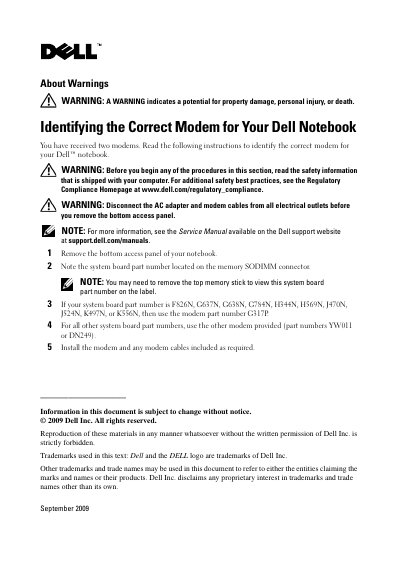

Dell Notebook Modems Identification Guide - cover page
Brand
DELL
Category
Modem
Document type
Installation Guide
Language
MUL
Pages
6
File format
PDF
File size
143 KB
Published
22 November, 2023
Updated
22 November, 2023
MD5 checksum
9C197901A1772E9D9B2A50312BF9E1D5

About this manual

This Dell guide explains how to identify which of two supplied modems fits a Dell notebook. It lists the system board part numbers that require modem part number G317P and states that all other system board part numbers use modem part number YW011 or DN249. It also gives safety warnings and basic installation steps.

What's inside

  • About Warnings
  • Identifying the Correct Modem for Your Dell Notebook
  • Info over gevaar-kennisgevingen
  • De correcte modem bepalen voor uw Dell-notebook
  • A propos des avertissements
  • Identifier le modem correct pour votre portable Dell
  • Informationen zu Warnhinweisen
  • Identifizieren des richtigen Modems für Ihr Dell-Notebook
  • Informazioni sugli avvisi
  • Come identificare il modem corretto per il proprio portatile Dell

Specifications

Modem part number for listed system boardsG317P
Modem part numbers for other system boardsYW011 or DN249
System board part numbers requiring modem G317PF826N, G637N, G638N, G784N, H344N, H569N, J470N, J524N, K497N, K556N

Frequently asked questions

How do I identify the correct modem for my Dell notebook?

Remove the bottom access panel, note the system board part number on the memory SODIMM connector, then use modem G317P for the listed system board part numbers or modem YW011 or DN249 for all others.

Which modem should I use if my system board part number is F826N?

Use modem part number G317P.

What should I do before removing the bottom access panel?

Disconnect the AC adapter and modem cables from all electrical outlets.

Download PDF (143 KB)

More DELL Manuals


View all DELL manuals →