
Dell Inspiron 1545 laptop repair manual.
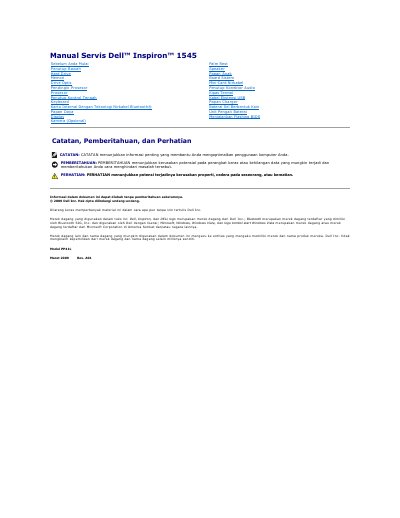
This service manual covers the Dell Inspiron 1545 laptop. It is written in Indonesian and provides safety notices, recommended tools, shutdown steps, and procedures for removing and reinstalling components.
The table of contents includes the bottom cover, hard drive, memory, optical drive, cooling, processor, keyboard, system board, wireless mini-card, and battery latch.
The manual recommends a small flat-blade screwdriver, a Phillips screwdriver, a processor removal tool, and a BIOS upgrade CD.
Shut down the computer, disconnect attached devices and cables, remove the battery, and press the power button to ground the system board.
Only qualified service technicians should perform repairs; damage from unauthorized service is not covered by the warranty.
Use an antistatic wrist strap or touch an unpainted metal surface periodically.