
The Dell Latitude M2400 Service Manual provides detailed instructions on how to disassemble, replace parts, and troubleshoot the Dell Latitude M2400 notebook computer.
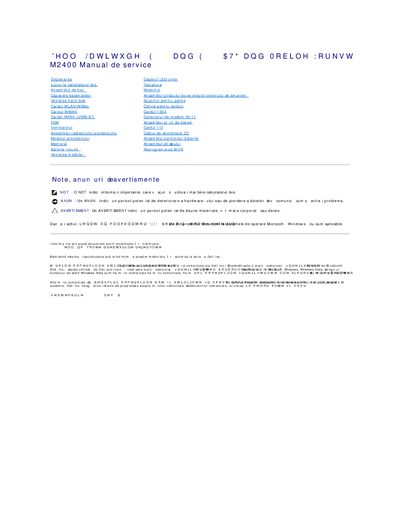
This is a Romanian-language service manual for the Dell Latitude E6400, Latitude E6400 ATG, and Precision M2400 mobile workstation. It provides removal and replacement procedures for components such as the base assembly, display assembly, system board, hard drive, keyboard, and memory.
The manual also includes safety notes, including NOTE, CAUTION, and WARNING levels, and instructs users to follow safety instructions before working on the computer.
It covers the Dell Latitude E6400, Latitude E6400 ATG, and Precision M2400 mobile workstation.
A WARNING indicates a potential hazard of property damage, bodily injury, or death.
A CAUTION indicates a potential hazard of hardware damage or data loss and how to avoid the problem.
Follow the safety instructions before working with the computer.