
Dell Precision 390 Workstation User's Guide

None of the references made in this document to Microsoft® Windows® operating systems apply to Dell™ n-series computers if you purchased one.
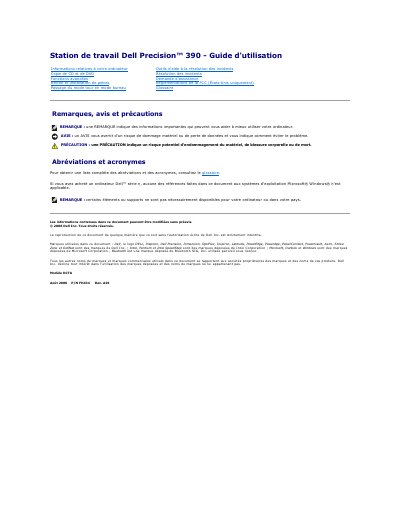

Dell Precision 390 Workstation User's Guide - cover page
Brand
DELL
Category
Desktops
Document type
User Manual
Language
French
Pages
141
File format
PDF
File size
4 MB
Published
22 November, 2023
Updated
22 November, 2023
MD5 checksum
32130C5E53E6C4C67294D2520AC4B24D

About this manual

This document is the User's Guide for the Dell Precision 390 workstation. It provides instructions on advanced features, system configuration, and security settings. The guide explains how to manage the system using Dell OpenManage IT Assistant and configure security options like chassis intrusion detection and password protection. This manual is written in French.

What's inside

  • Remarques, avis et précautions
  • Abréviations et acronymes
  • Contrôle par technologie LegacySelect
  • Souplesse de gestion
  • Sécurité
  • Protection par mot de passe
  • Configuration du système
  • Effacement des mots de passe oubliés
  • Gestion de l'alimentation
  • Hyper-Threading

Frequently asked questions

What does LegacySelect allow administrators to do?

It allows administrators to electronically enable or disable media devices and connectors.

What is the default chassis intrusion setting?

The default setting is Enabled - Silent.

What happens if the cover is opened while chassis intrusion is set to Enabled?

The parameter changes to Detected and an alert message appears at restart.

How can the computer be locked?

Use a padlock alone or with a security cable with a loop; a padlock alone prevents opening the computer.

Download PDF (4 MB)

More DELL Manuals


View all DELL manuals →