
Dell™ Laser Printer 5100cn Owner's Manual
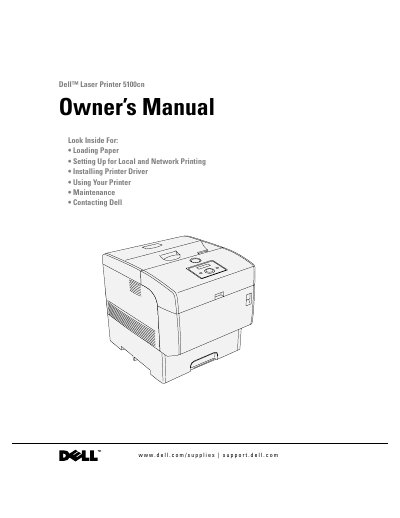
This owner's manual is for the Dell Laser Printer 5100cn. It covers loading paper, setting up local and network printing, installing printer drivers, using the printer, and maintenance.
Maintenance sections describe replacing the imaging drum, toner cartridge, transfer roller, fuser, and separator roller, plus cleaning the automatic density control sensor. The appendix includes technical assistance, contacting Dell, warranty terms, and regulatory information.
| Standard tray capacity | 500 sheets |
|---|---|
| Optional tray modules | 500-sheet and 1000-sheet tray modules |
| Interfaces | Ethernet, USB, and parallel ports |
See the User's Guide for details on optional tray modules.
Dell printer supplies are available only through Dell, online at www.dell.com/supplies or by phone.
The manual includes cleaning the automatic density control (ADC) sensor.
The manual describes canceling a job from the printer operator panel, a computer, the taskbar, or the desktop.