
The Dell Latitude 7000 Series Notebook Quick Start Guide.
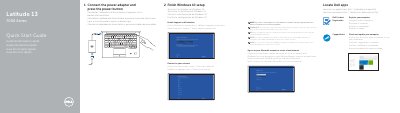
This document serves as a Quick Start Guide for the Dell Latitude 7000 Series notebook. It provides multilingual instructions for initial setup, including connecting the power adapter, completing the Windows 10 setup, enabling SupportAssist, and signing into a Microsoft account. Users are advised to enter a password if connecting to a secured wireless network.
You must connect the power adapter and press the power button, then finish the Windows 10 setup.
You must enter the password for the wireless network access when prompted.
The series includes an optional fingerprint reader, contactless card reader, smartcard reader, and Micro SIM card reader.