
The Dell PowerEdge C6400 and C6420 Getting Started Guide provides information on how to set up and use the Dell PowerEdge C6400 and C6420 servers.
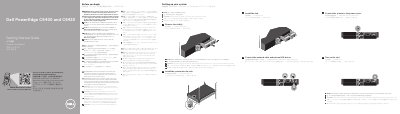
This guide covers initial setup of the Dell PowerEdge C6400 and C6420, including installing the system into a rack, removing and installing sleds, connecting network and optional I/O devices, connecting power, and turning on a sled.
It also notes safety and documentation references, including the Safety, Environmental, and Regulatory Information document, the documentation set at Dell.com/poweredgemanuals, and supported operating system information at Dell.com/ossupport.
| Power supply units | Extended Power Performance (EPP) compliant |
|---|---|
| PSU connector | May vary depending on PSU type |
The documentation set for the system is available at Dell.com/poweredgemanuals.
Use Extended Power Performance (EPP) compliant power supply units, indicated by the EPP label.
Go to step 3.
See Dell.com/ossupport for information about supported operating systems.