
Integrated Dell Remote Access Controller 6 (iDRAC6) Version 1.7 User's Guide introduces the features and characteristics of the product.
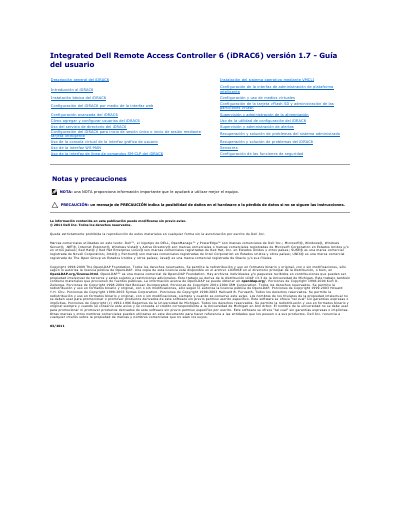
This document serves as the user guide for the Dell iDRAC6 Integrated Dell Remote Access Controller, version 1.7. It provides essential information, precautions, and operational instructions for managing the device. The guide covers a wide range of topics including system installation, operating system installation via VMCLI, and the introduction to the iDRAC6 platform administration interface.
Key sections include basic installation, configuration of the Intelligent Platform Management Interface (IPMI), and the use of virtual media. The manual details how to configure the iDRAC6 via the web interface, manage vFlash SD cards, and set up advanced features. It also addresses user management, alert monitoring, and security configurations such as single sign-on (SSO) and smart card authentication. This manual is written in Spanish.
A maximum difference of 5 minutes is allowed for correct authentication.
iDRAC6 uses cached user credentials stored in the operating system after a valid Active Directory user logs in.