
The Dell PowerConnect W-IAP104 and W-IAP105 wireless access points support the IEEE 802.11n standard for high-performance WLAN.
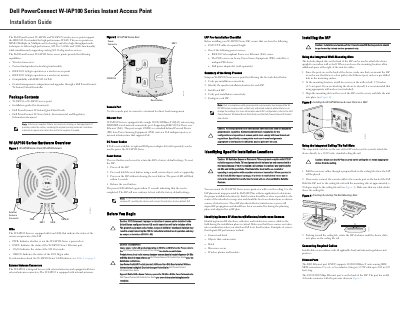
The Dell PowerConnect W-IAP100 Series includes the W-IAP104 and W-IAP105 wireless access points, which support IEEE 802.11n with MIMO technology and operate on 2.4 GHz and 5 GHz bands while remaining compatible with 802.11a/b/g services.
The guide lists package contents, describes hardware features such as LEDs, antenna connectors, console and Ethernet ports, and provides steps for wall or ceiling mounting, cable connection, and resetting the device to factory defaults.
| Wireless standard | IEEE 802.11n |
|---|---|
| Frequency bands | 2.4 GHz and 5 GHz |
| Legacy compatibility | IEEE 802.11a/b/g |
| Power over Ethernet | IEEE 802.3af PoE |
| Ethernet port | 10/100/1000Base-T (RJ-45) |
| DC power input | 48VDC |
| Antenna connectors | Four external antenna connectors |
| Status indicators | Four LEDs |
It covers the Dell PowerConnect W-IAP104 and W-IAP105 wireless access points.
It can use an IEEE 802.3af-compliant PoE source or an optional Dell power adapter kit sold separately.
It can be mounted on a wall or on the ceiling.