
Dell Precision M6400 Technical Guide

The Dell™ Precision™ M6400 Technical Guide provides information on how to use and maintain your Dell™ Precision™ M6400 notebook.
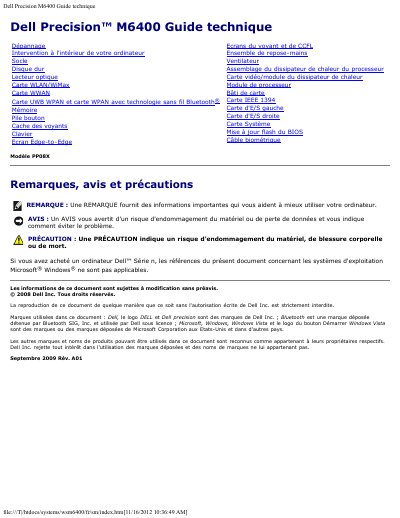

Dell Precision M6400 Technical Guide - cover page
Brand
DELL
Category
Laptops
Document type
Service Manual
Language
French
Pages
81
File format
PDF
File size
1.4 MB
Published
22 November, 2023
Updated
22 November, 2023
MD5 checksum
ED3311954516BFCF739DFC789F82A267

About this manual

This document is the technical guide for the Dell Precision M6400 laptop, published by Dell Inc. in September 2009. It serves as a service manual for technicians, providing detailed instructions on internal maintenance and repair. This manual is written in French.

What's inside

  • Dépannage
  • Outils de dépannage
  • Voyants de diagnostic
  • Démarrage de Dell Diagnostics
  • Dépose d'un module de mémoire
  • Module de processeur
  • Carte vidéo/module du dissipateur de chaleur
  • Disque dur
  • Carte Système
  • Mise à jour flash du BIOS

Frequently asked questions

What is the recommended procedure for troubleshooting memory issues?

If multiple memory modules are installed, remove them, reinstall one, and restart the computer. Repeat by installing one additional module at a time until the defective module is identified.

What is the Dell Precision M6400?

The Dell Precision M6400 is a computer that includes components such as a hard drive, optical drive, WLAN/WiMax card, and memory.

What should I do before opening the computer?

Before performing any internal intervention, you must consult the safety instructions provided with the computer.

How long can the memory test take?

Running the memory test can take more than thirty minutes.

Download PDF (1.4 MB)

More DELL Manuals


View all DELL manuals →