
The Dell EMC PowerEdge C6400 and C6420 Getting Started Guide provides information on how to set up and use the Dell EMC PowerEdge C6400 and C6420 servers.
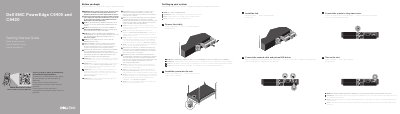
This document serves as a Getting Started Guide for the Dell PowerEdge C6400 and C6420 servers. It provides essential safety warnings, such as the requirement to use Extended Power Performance (EPP) compliant power supply units, and directs users to additional documentation for rack installation and supported operating systems. The guide is available in multiple languages, including English, French, Portuguese, and Spanish.
| Power | 2400 W Platinum AC 100–240 V, 50/60 Hz, 14 A–16 A |
|---|---|
| Power (Low Line) | 1400 W per PSU |
| System Battery | 3 V CR2032 lithium coin cell |
| Maximum Ambient Temperature | 35°C/ 95°F |
The system requires Extended Power Performance (EPP) compliant power supply units, indicated by the EPP label.
The complete documentation set is available at Dell.com/poweredgemanuals.
You should ensure the operating system is installed before installing hardware or software not purchased with the system.