
Dell EMC PowerEdge R740 Server Getting Started Guide
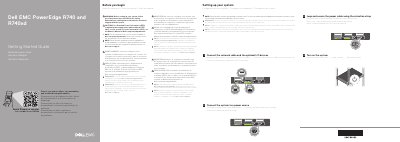
This document serves as a Quick Resource Locator and Getting Started Guide for the Dell EMC PowerEdge R740 server. It directs users to online documentation for troubleshooting and provides essential safety warnings, such as the requirement to use Extended Power Performance (EPP) compliant power supply units. It also notes that the full documentation set is available at Dell.com/poweredgemanuals.
| Maximum ambient temperature | 40°C/104°F |
|---|---|
| System battery | 3 V CR2032 lithium coin cell |
| Power rating (Platinum AC 100-240 V) | 2400 W / 2000 W / 1600 W / 1100 W |
The documentation set is available at Dell.com/poweredgemanuals.
You must use Extended Power Performance (EPP) compliant power supply units.
The maximum ambient temperature for continuous operation is 40°C/104°F.