
The Dell™ OptiPlex™ GX520 Systems User's Guide describes the features and characteristics of the system.
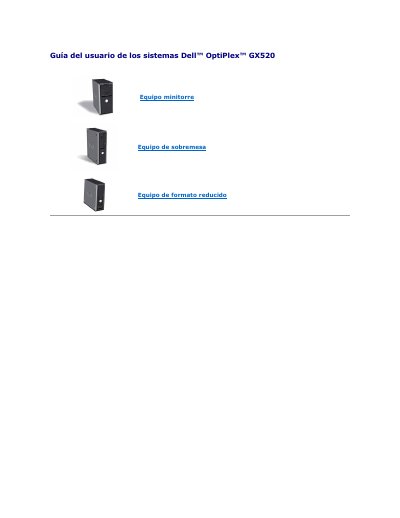
This document serves as the user's guide for the Dell OptiPlex GX520 series of desktop systems, including mini-tower and small form factor configurations. It provides detailed instructions on system configuration, security features such as chassis intrusion detection and password protection, and power management options.
The guide explains how to use the LegacySelect technology to control legacy connectors and devices via the System Setup program or Dell OpenManage IT Assistant. It also covers administrative capabilities, including standard ASF alert formats, remote management via Dell OpenManage Client Instrumentation, and procedures for USB booting and clearing forgotten passwords. This manual is written in Spanish.
| ASF Alert Support | ASF version 1.03 and 2.0 |
|---|---|
| System Password Length | Up to 32 characters |
The value changes to Detected, and an alert message appears during the next boot sequence.
No, it is not possible to change the system password or specify a new one if the option is set to Set.