
Dell Display Manager is a Microsoft Windows application used to manage one or more monitors.
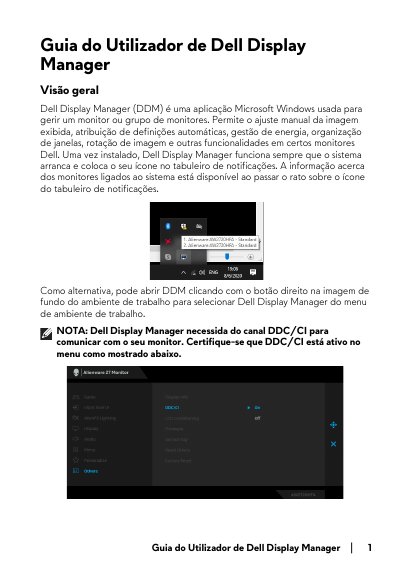
Dell Display Manager (DDM) is a Microsoft Windows application used to manage a Dell monitor or group of monitors. Once installed, it runs automatically at system startup and provides access to image adjustments, energy management, and window organization features. The software requires the DDC/CI channel to communicate with the monitor and is compatible only with Dell monitors.
The guide details how to use the Quick Settings window to adjust brightness, contrast, and resolution, and how to assign preset modes to specific applications. It also covers advanced features such as Easy Arrange for organizing windows, managing multiple video inputs, restoring application window positions, and configuring power-saving options like PowerNap. This manual is written in Portuguese.
No, DDM only works with Dell monitors. If you are using monitors from other manufacturers, DDM is not compatible with them.
You can use the keyboard shortcut Ctrl+Shift+D to open the DDM miniUI under the mouse pointer.