
The Dell™ OptiPlex™ 320 User's Guide introduces the features and characteristics of the Dell™ OptiPlex™ 320 desktop.
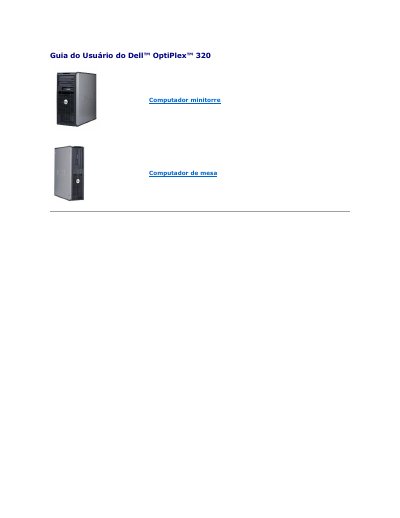
This document is the User's Guide for the Dell OptiPlex 320 computer tower and desktop. It provides instructions on configuring the system, managing security features such as system and administrator passwords, and controlling legacy technologies like serial and USB connectors via the LegacySelect feature. The guide also details the functionality of the Dell OpenManage IT Assistant for remote management. This manual is written in Portuguese.
It configures, manages, and monitors computers and other devices on a corporate network by handling assets, settings, events, and security.
The computer displays a message stating the system access is blocked and must be powered down.
Up to 32 characters can be used for the new system password.