
Dell Studio Slim 540s Service Manual

The Dell Studio™ Slim 540s Service Manual provides information on how to disassemble and reassemble the computer.
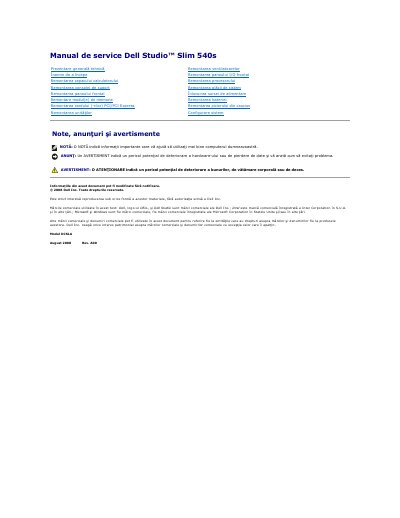

Dell Studio Slim 540s Service Manual - cover page
Brand
DELL
Category
Desktops
Document type
Service Manual
Language
RO
Pages
39
File format
PDF
File size
1.1 MB
Published
20 November, 2023
Updated
20 November, 2023
MD5 checksum
BE72A113699D47EA0A671EABC64E8C83

About this manual

This Romanian-language service manual provides removal and installation procedures for components in the Dell Studio Slim 540s desktop computer. It includes safety instructions, required tools, and steps to shut down the computer before servicing.

Covered procedures include removing the computer cover, support console, memory modules, PCI/PCI Express cards, drives, fans, front I/O panel, processor, system board, power supply, battery, and rubber feet.

What's inside

  • Prezentare generală tehnică
  • Înainte de a începe
  • Remontarea capacului calculatorului
  • Remontarea consolei de suport
  • Remontarea cardului ( -rilor) PCI/PCI Express
  • Remontarea ventilatoarelor
  • Remontarea procesorului
  • Înlocuirea sursei de alimentare
  • Remontarea bateriei
  • Remontarea piciorului din cauciuc

Frequently asked questions

What size Phillips screwdriver is recommended?

A small Phillips screwdriver size no. 2 is required for the procedures.

Who is authorized to perform repairs on the computer?

Only an authorized service technician should perform repairs.

How should you ground yourself before touching internal components?

Touch an unpainted metal surface, such as the metal on the back of the computer.

Where can technical specifications for the computer be found?

Consult the configuration guide included with the computer or the Dell Support website at support.dell.com.

Download PDF (1.1 MB)

More DELL Manuals


View all DELL manuals →