
The Dell Storage NX3230 System Getting Started Guide describes how to set up and use the Dell Storage NX3230 system. The guide covers the following topics: safety instructions, system components, installing the system, configuring the system, and managing the system.
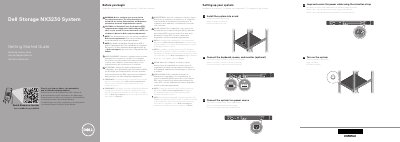
This document serves as the Getting Started Guide for the Dell Storage NX3230 system. It outlines the initial setup process, including connecting peripherals like the keyboard, mouse, and monitor, and connecting the system to a power source. Users are instructed to secure the power cable and turn on the system to begin operation.
| Power rating per PSU | 750 W or 1100 W |
|---|---|
| Heat Dissipation (750 W PSU) | 2891 BTU/hr maximum |
| Heat Dissipation (1100 W PSU) | 4100 BTU/hr maximum |
| System Battery | CR 2032 3.0 – V lithium coin cell |
| Max Ambient Temperature | 35°C |
By default, the Windows Storage Server 2016 or 2012 R2 operating system is installed on the system at Dell factory.
The safety instructions are included in the Safety, Environmental, and Regulatory Information document shipped with the system.