
This document describes the steps to set up a Dell computer, including connecting a monitor, keyboard, and mouse, and connecting the computer and monitor to power outlets.
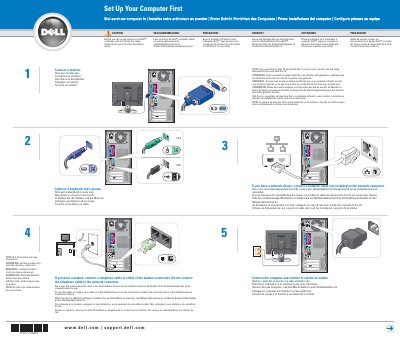
This Dell 0J6772A00 setup guide provides multilingual instructions for connecting a monitor, keyboard, mouse, and power to a Dell computer. It also covers optional modem, network, and speaker connections.
Additional setup details, including printer connection, are in the Owner's Manual; support and educational tools are available on the Dell Support website.
The guide refers users to the Owner's Manual for additional setup instructions, including how to connect a printer.
They are available on the Dell Support website at support.dell.com.
See the setup instructions that came with the TV.