
The Dell EMC XC730xd Web-Scale Hyperconverged Appliance Getting Started with your System Guide describes how to set up and use the appliance.
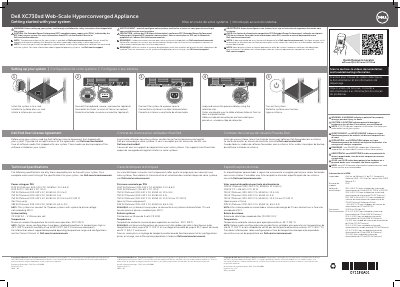
This document provides instructions for setting up the Dell XC730xd Web-Scale Hyperconverged Appliance. It covers essential steps such as installing the system into a rack, connecting peripherals like the keyboard, mouse, and monitor, and connecting the system to a power source. Users are advised to read safety instructions and ensure the use of Extended Power Performance (EPP) compliant power supply units.
| Power rating per PSU (Platinum) | 1100 W (100-240 V AC, 50/60Hz, 12 A-6.5 A) |
|---|---|
| Power rating per PSU (Titanium) | 750 W (200-240 V AC, 50/60 Hz, 5 A) |
| System battery | CR 2032 3.0 – V lithium coin cell |
| Maximum ambient temperature | 35°C (95°F) |
| Regulatory Model/Type | E14S Series/E14S001 |
You must use Extended Power Performance (EPP) compliant power supply units, indicated by the EPP label.
The complete and current listing of specifications is available at Dell.com/xcseriesmanuals.
The maximum ambient temperature for continuous operation is 35°C (95°F).