
The Dell Storage NX430 System Getting Started Guide describes how to set up and use the Dell Storage NX430 system. The guide covers the following topics: safety instructions, setup instructions, software installation instructions, and troubleshooting instructions.
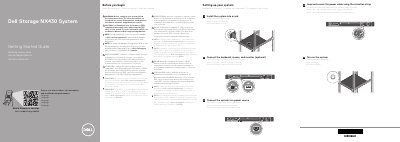
This document serves as a Getting Started Guide for the Dell Storage NX430 system. It provides multilingual instructions for setting up the system, including installing it into a rack, connecting peripherals, and powering on the unit. Users are directed to follow specific safety instructions and use Extended Power Performance (EPP) compliant power supply units.
| Power rating per PSU | 350 W (Platinum) |
|---|---|
| Intended use voltage | 100–240 V AC |
| Inrush current (max) | 4.8 A–2.4 A |
| System battery type | 3 V CR2032 lithium coin cell |
| Maximum operation ambient temperature | 35°C (95°F) |
The default password of the NAS system is Stor@ge!
The system is configured with a default system name of D