
The Dell EMC PowerEdge R540 Getting Started Guide describes the features and characteristics of the product.
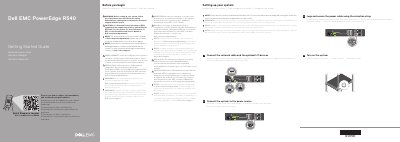
This document serves as a Getting Started Guide for the Dell PowerEdge R540 server. It outlines the essential steps to begin using the system, including connecting network cables, optional I/O devices, and power sources. Users are instructed to secure the power cable using the retention strap and turn on the system. The guide also directs users to the Safety, Environmental, and Regulatory Information document for safety instructions and to the Installation and Service Manual for detailed rack installation procedures.
| Maximum ambient temperature | 35°C/95°F |
|---|---|
| System battery | 3 V CR2032 lithium coin cell |
| Power (Platinum AC) | 1100 W, 100–240 V, 50/60 Hz |
| Power (Bronze AC) | 450 W, 100–240 V, 50/60 Hz |
See Dell.com/poweredgemanuals for a complete and current listing of the specifications for your system.
Use Extended Power Performance (EPP) compliant power supply units, indicated by the EPP label.