
The Dell™ OptiPlex™ 760 Service Manual provides technical specifications, installation, configuration, troubleshooting, and service information for the Dell™ OptiPlex™ 760.
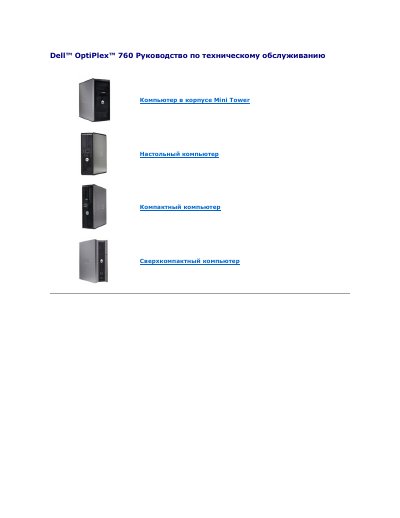
This service manual is for the Dell OptiPlex 760 desktop computer and describes management and security features such as LegacySelect, DASH manageability, Intel Active Management Technology (iAMT), physical security, and out-of-band management.
It also covers ASF alerts, Dell OpenManage and Dell Client Manager applications, MEBx access, USB initialization, and failure alert messages. This manual is written in Russian.
| MEBx default password | admin |
|---|---|
| USB key required file | setup.bin only |
The default MEBx password is admin.
The USB key must be formatted with FAT16 without system files and contain only setup.bin; insert it before boot.