
Dell XPS M140 Laptop Service Manual

Dell™ XPS M140 Service Manual
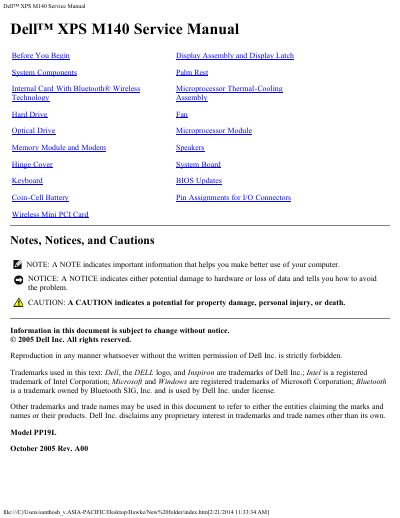

Dell XPS M140 Laptop Service Manual - cover page
Brand
DELL
Category
Laptops
Document type
Service Manual
Language
English
Pages
72
File format
PDF
File size
1.3 MB
Published
20 November, 2023
Updated
20 November, 2023
MD5 checksum
6E7AE412CF9A05D25C5FBECD35A1D86B

About this manual

The Dell XPS M140 Service Manual provides service information for the Dell XPS M140 laptop. It includes safety notices, recommended tools, and steps for preparing to work inside the computer.

The manual covers removal and replacement of components such as the Bluetooth module, hard drive, optical drive, memory, modem, keyboard, fan, speakers, system board, and microprocessor. It also includes BIOS update procedures and pin assignments for I/O connectors.

What's inside

  • Before You Begin
  • System Components
  • Internal Card With Bluetooth Wireless Technology
  • Hard Drive
  • Optical Drive
  • Memory Module and Modem
  • Hinge Cover
  • Keyboard
  • Coin-Cell Battery
  • Wireless Mini PCI Card

Frequently asked questions

Who should perform repairs on the Dell XPS M140?

Only a certified service technician should perform repairs on the computer.

What tools are needed to service the Dell XPS M140?

A small flat-blade screwdriver, Phillips screwdriver, small plastic scribe, and flash BIOS update are required.

What is the first step before working inside the Dell XPS M140?

Turn off the computer and all attached devices.

Download PDF (1.3 MB)

More DELL Manuals


View all DELL manuals →