
The Dell™Precision™M6400 is a high-performance mobile workstation designed to meet the needs of the most demanding professionals. Powered by the Intel®Core™2 Duo processor and NVIDIA®Quadro®FX graphics, it delivers exceptional performance in the most demanding environments.
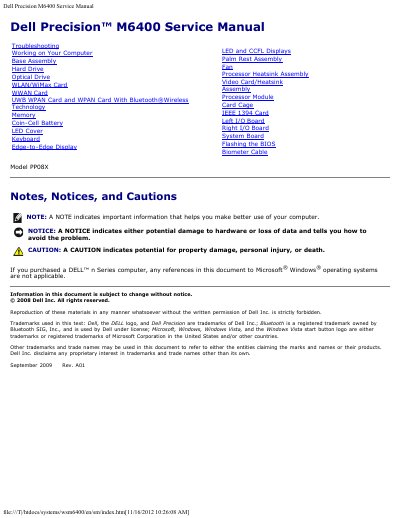
This Dell Precision M6400 Service Manual provides troubleshooting guidance, including diagnostic light codes and steps for starting Dell Diagnostics from the hard drive. It also lists service topics for working on the computer and servicing components such as memory, drives, cards, displays, and the system board.
The document includes safety cautions and notices and covers model PP08X.
Enter system setup first, then press and hold the Fn key while turning on the computer, press any key when prompted, and select Test System.
Remove and reinstall one memory module at a time, then install working memory of the same type if the problem persists.
Use them after performing the checks in Solving Problems and before contacting Dell for assistance.