
The Dell Latitude 14 7000 Series Quick Start Guide provides information on how to use the Dell Latitude 14 7000 Series notebook.
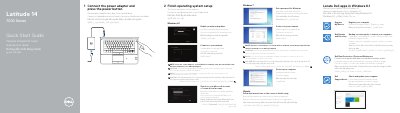
This Dell Latitude 14 7000 Series (Latitude 14-7470/E7470) quick start guide covers initial setup steps such as connecting power, finishing operating system setup, enabling security and updates, and connecting to a network. It also lists Dell applications and services including Register My Device, Backup and Recovery, Data Protection, and SupportAssist.
The guide includes a numbered features diagram, optional components such as a SIM port, fingerprint reader, and smart-card readers, and links to product support, manuals, and regulatory information. It is printed in multiple languages.
Connect the power adapter and press the power button.
It mentions Register My Device, Dell Backup and Recovery, Dell Data Protection | Protected Workspace, and Dell SupportAssist.
Optional items include the SIM port, contactless smart-card reader, fingerprint reader, smart card reader, and track stick/track pad.