
The Dell PowerVault NX3500 is a high-performance, scalable network-attached storage (NAS) solution designed to meet the needs of small and medium-sized businesses. It provides a simple, easy-to-use platform for storing and managing data, and offers high levels of performance and reliability.
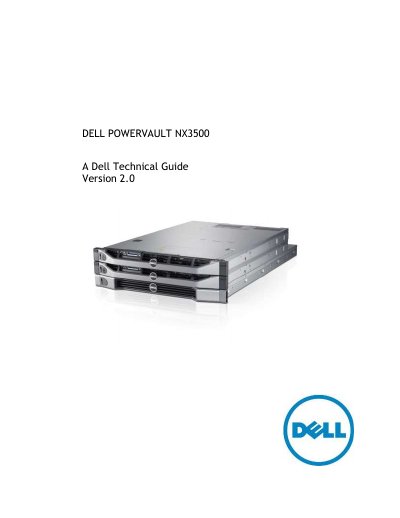
This document serves as a technical guide for the Dell PowerVault NX3500, a clustered Network Attached Storage (NAS) solution designed to add scale-up capability to PowerVault MD32x0i and MD36x0i storage systems. It provides an overview of the product's architecture, which utilizes Dell Fluid File System (FluidFS) to offer high performance and scalability for CIFS, NFS, and iSCSI protocols.
| Maximum NAS volumes per solution | 512 |
|---|---|
| Minimum NAS volume size | 20 MB |
| Maximum NAS volume size | total available space |
| Controller RAM | 12 GB |
| Rack configuration | 3U |
The minimum size of a NAS volume is 20 MB.
In the initial release, the file system size may not be decreased, but NAS volume size may be increased or decreased anytime.