
Dell 7330 Mono Laser Printer Installation Guide

The Dell™ 7330 Mono Laser Printer is a compact, reliable, and affordable printer that is perfect for small offices or home offices. It features fast, high-quality printing and comes with a variety of features that make it the ideal choice for any small business.
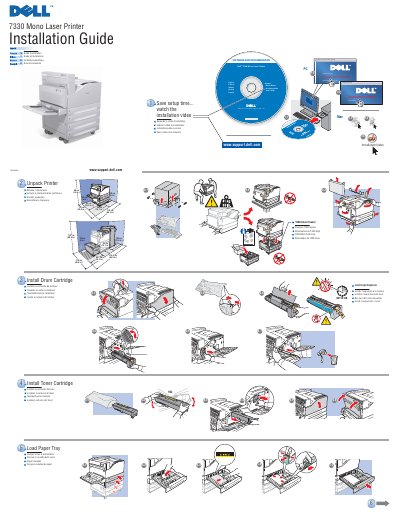

Dell 7330 Mono Laser Printer Installation Guide - cover page
Brand
DELL
Category
Printer
Document type
Installation Guide
Language
English
Pages
2
File format
PDF
File size
791 KB
Published
20 November, 2023
Updated
20 November, 2023
MD5 checksum
2F62E5AD8B10937D9C6C81CF12D4FA0D

About this manual

This document serves as the installation guide for the Dell 7330 Mono Laser Printer. It provides instructions for unpacking the device, installing the drum and toner cartridges, and setting up the paper tray. The guide is available in multiple languages including English, French, Italian, German, and Spanish.

What's inside

  • Unpack Printer
  • Install Drum Cartridge
  • Install Toner Cartridge
  • Load Paper Tray
  • Install Drivers
  • Choose Printer Connection
  • Connect Power
  • Turn On Printer
  • Select Language
  • Save Documentation

Frequently asked questions

What is the maximum paper capacity of the optional feeder?

The optional feeder can hold up to 1000 sheets of paper.

What is the maximum paper capacity of the optional stacker?

The optional stacker can hold up to 3500 sheets of paper.

What type of cable is required for the Ethernet connection?

You must use an RJ-45 cable with an Ethernet hub.

Download PDF (791 KB)

More DELL Manuals


View all DELL manuals →