
Dell Vostro 14 3000 Series Notebook Quick Start Guide.
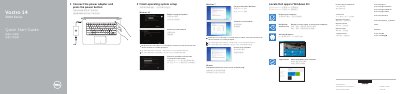
This guide covers connecting the power adapter, pressing the power button, and finishing operating system setup for Windows 8.1, Windows 7, or Ubuntu. It also lists Dell apps such as SupportAssist, Dell Backup and Recovery, and Dell Help & Support.
The guide identifies the computer model as Vostro 14-3459 and shows labeled features including camera, USB connectors, VGA connector, network connector, touchpad, speakers, battery, and service tag. Shortcut keys for audio, brightness, wireless, sleep, and display switching are also described.
SupportAssist checks and updates the computer.
The guide refers users to the Owner’s Manual at dell.com/support.
The guide lists shortcut keys for muting audio, volume, playback, brightness, wireless, sleep, and more.