
The manual introduces the AKASO Brave 4 sports camera's list of accessories, product introduction, quick start, camera mode, operation guide, personalized settings, App connection, playback, deletion, export, camera maintenance, battery maintenance, accessory use and contact us.
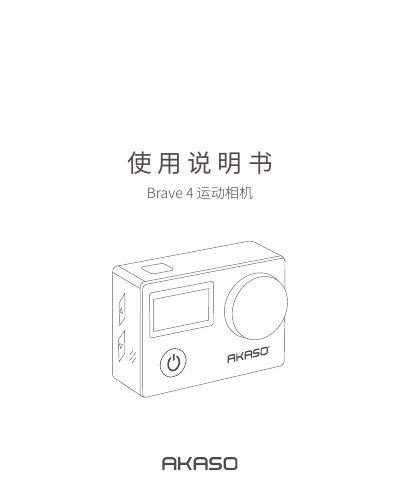
The AKASO Brave 4 is a sports camera supplied with a waterproof case, remote control, two 1050mAh batteries, and various mounts. The manual details initial setup including microSD card insertion (up to 64GB, UHS-I/Class 10 recommended), power on/off, mode switching, and Wi‑Fi activation for the Camking app.
It explains four camera modes (video, photo, playback, settings) and lists configurable options such as video resolution (4K24 to 720P120), photo resolution (20M to VGA), field of view (170° to 70°), WDR, loop recording, gyro stabilization, and exposure compensation. Maintenance guidelines cover lens cleaning, battery storage, and avoiding extreme temperatures. This manual is written in Chinese.
The camera supports microSD cards up to 64GB.
Press the up button while the camera is powered on, or enable WiFi in the settings menu.
Available video resolutions include 4K at 24FPS, 2K at 30FPS, 1080P at 60FPS and 30FPS, and 720P at 120FPS, 60FPS, and 30FPS.
The camera automatically saves the current file and then powers off.