
Key facts
- Manuals
- 5
- Languages
- ZH · EN
- Last added
- 2026-10-25
Featured Akaso manuals
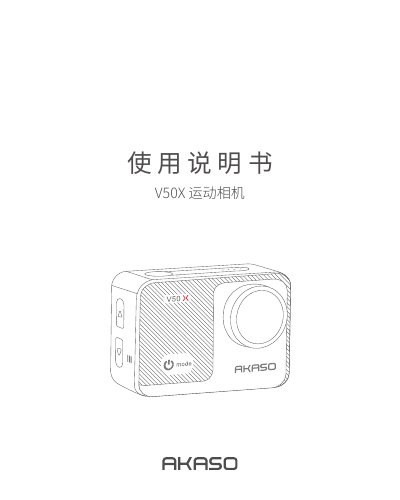
AKASO V50X Action Camera User Manual
This document is the user manual for the AKASO V50X action camera. It details the included accessories, product features, and basic operations such as turning the device on and off. The guide explains how to switch between various shooting modes including photo, video, slow motion, and time-lapse. This manual is written in Chinese.
Covers: Accessories List · Product Introduction · Quick Start · Camera Modes · Operation Guide · Personalized Settings
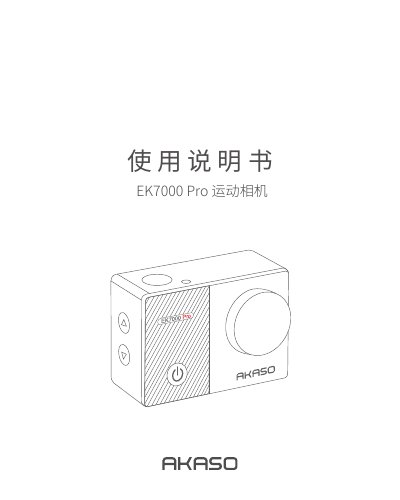
AKASO EK7000 Pro Action Camera User Manual
This manual guides users through setting up the AKASO EK7000 Pro action camera, including inserting a memory card, switching between video and photo modes, and using Wi-Fi for app connection. It also covers camera maintenance, battery care, and accessory usage to ensure optimal performance and longevity. The manual is written in Chinese with English interface options.
Covers: 配件清单 · 产品简介 · 快速入门 · 相机模式 · 操作指南 · 个性化设置
AKASO Smart Lock User Manual
This user manual guides users through the installation and setup of the AKASO Smart Lock. It details physical installation requirements, such as door thickness and jamb dimensions, and provides step-by-step assembly instructions. The guide also explains how to configure the lock using the 'ttlock' mobile application.
Covers: Introduction · Product Profile · Installation Instructions · APP Operation Guide · Unlocking Method · Locking Method
AKASO DL12 Mirror Dash Cam User Manual
This manual provides instructions for the AKASO DL12 Mirror Dash Cam V1.2, including a list of included accessories and an overview of the camera's front and rear components. It details the installation process for both the front mirror unit and the rear camera, offering specific guidance on mounting positions for reversing guidance versus live streaming.
Covers: What's in the Box · Camera Overview · Installation · Formatting the MicroSD Card · Setting · Play Videos on Computer
Latest Akaso manuals
AKASO V50X Action Camera User Manual
User Manual 18 pages · 905 KB · ZHThis manual provides instructions for the AKASO V50X action camera, covering setup, modes, settings, and maintenance.
AKASO EK7000 Pro Action Camera User Manual
User Manual 15 pages · 971 KB · ZHUser manual for AKASO EK7000 Pro action camera covering setup, modes, settings, app connection, playback, maintenance, and accessories.
AKASO Smart Lock User Manual
User Manual 9 pages · 1.2 MB · ENThis manual provides installation, operation, and maintenance instructions for the AKASO Smart Lock, including APP setup and unlocking methods.
AKASO DL12 Mirror Dash Cam User Manual
User Manual 17 pages · 726 KB · ENUser manual for the AKASO DL12 Mirror Dash Cam, covering installation, settings, video playback, and troubleshooting.
Akaso H Band 3 Fitness Tracker User Manual
User Manual 20 pages · 1.2 MB · ENThis user manual provides instructions for setting up, using features like heart rate monitoring and sleep tracking, and maintaining the Akaso H Band 3…
Which document do I need?
User Manual
Day-to-day operation, settings and troubleshooting. Start here if the product is already set up.
Questions answered in Akaso manuals
What is the maximum supported memory card size for this camera?
The manual states that the V50X supports a maximum of 64GB microSD cards.
How many photos does the continuous shooting mode capture when the shutter is pressed?
In continuous shooting mode, pressing the shutter button causes the camera to take multiple consecutive photos.
How do I connect the camera to my phone via Wi-Fi?
Long press the Wi-Fi button on the camera to turn it on; the screen will show the Wi-Fi name and password. Connect your phone to this network and enter the password in the AKASO GO app.
What is the maximum memory card size supported?
The camera supports up to 64GB microSD cards.
How do I unlock the door using the mobile app?
Turn on the app and click the lock icon in the interface to unlock it.
What happens if I enter the wrong passcode multiple times?
The touch passcode key will be automatically locked for 5 minutes to prevent malicious operation.