
The Dell Latitude 14 3480 3000 Series Quick Start Guide provides information on how to use the notebook.
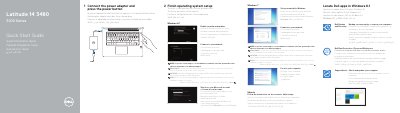
This quick start guide covers initial setup for the Dell Latitude 14 3480. It includes setup steps for Windows 8.1, Windows 7, and Ubuntu, along with a labeled diagram of the computer's features and ports.
The guide also lists Dell applications, network and password setup notes, product support and manual links, and regulatory information. It identifies the computer model as Latitude 14-3480 and the regulatory model as P79G.
| Computer model | Latitude 14-3480 |
|---|---|
| Regulatory type | P79G001 |
| USB 2.0 port | 1 |
| USB 3.0 port | 1 |
| USB 3.0 port with PowerShare | 1 |
| SIM card slot | Optional |
| Fingerprint reader | Optional |
| Infrared camera | Touch version only |
It protects your computer and data from advanced malware attacks.
Enter the password for the wireless network access when prompted.
Dell.com/support and Dell.com/support/manuals.
Latitude 14-3480.