
Dell™ Latitude™ E6500 Service Manual Provides step-by-step instructions for disassembling and repairing the Dell™ Latitude™ E6500 notebook.
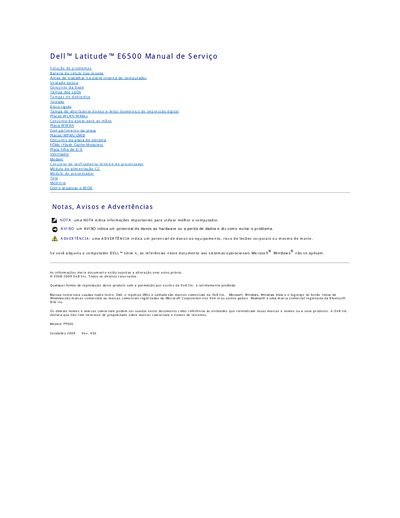
This Portuguese-language service manual covers safety precautions and removal or replacement procedures for components of the Dell Latitude E6500 notebook.
It includes instructions for the battery, base assembly, and updating the BIOS from a CD or the hard drive. This manual is written in Portuguese.
| Model number | PP30L |
|---|
Slide the battery release latches to the open position, then hold the battery and slide it out of its compartment.
Connect the AC adapter, make sure the battery is installed, press F12 before inserting the BIOS update CD, insert the CD, and follow the on-screen instructions.
Loosen the captive screw, then use the rubber feet to lift and slide the bottom of the base assembly out of the computer.